
Quick Summary
The best POS software for electronics stores helps you track every product by its serial number. It manages warranty expiry dates automatically and handles product bundles without mistakes. Without these features, you face stock theft and unhappy customers. This guide compares the top 5 tools to help you choose the right one for your shop.
Table Of Contents
Introduction
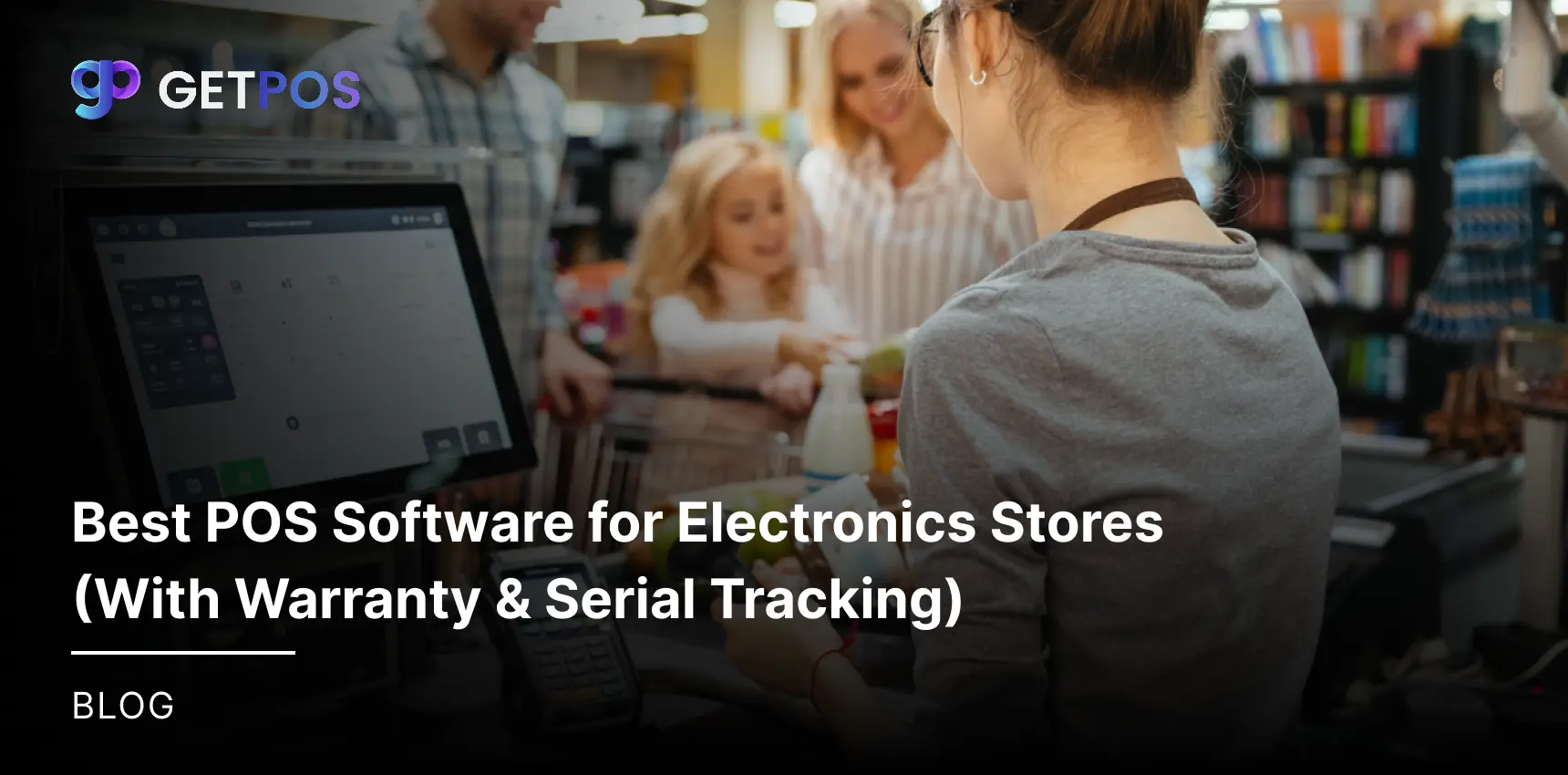
Electronics stores usually have high moving traffic of potential customers that ask about product warranties and return policies. Without the right system, tracking every laptop or phone by its unique serial number becomes a headache. You also risk selling an item that is already reserved for a repair. In this blog post, we will explain why you need the best POS software for electronics stores to solve these daily problems. The right electronics store POS software helps you manage warranties automatically and track every serial number from purchase to sale. This keeps your billing counter fast and your stock accurate.
Key Takeaways
Track every product by its serial number to prevent theft.
Automate warranty expiry alerts for better customer service.
Handle product bundles and split payments without errors.
Use barcode scanning to keep billing counter fast.
Pick software that works offline and syncs later.
Why Standard POS Systems Will Not Work for Electronics Retailers
For electronic retailers, it is important to know exactly which unit went to which customer. Standard systems fail at this basic need.
Tracking serial numbers is a must
Without serial number tracking, you cannot stop theft inside your store. If a box goes missing, you do not know which unit is gone. For warranty claims, you also need the serial number to check the purchase date. A basic POS treats ten iPhones as the same product. But a proper electronics store POS system treats each phone as a separate unit with its own ID.
Warranty and repair records
Generic systems do not link a sale to a warranty end date. When a customer brings a broken laptop, you cannot quickly see if it is still covered. You also cannot manage loaner devices given during repair, and thus, you need electronic POS systems that save service history directly on the customer profile.
Selling product bundles
Electronics stores sell TVs with cables and mounts as one kit. Standard POS gets confused with bundle pricing and split payments. And having a POS system for electronic store in place can handle these high-value sales smoothly.
5 Best POS Software for Electronics Stores
Let us check out the best options for your store. These five tools help you manage serial numbers, warranties, and daily sales without any trouble.
1. GETPOS — best POS software for electronics stores
GETPOS works as a full retail operating system, not just a billing machine. It gives you real-time stock visibility across all your stores. You can track every serial number and manage warranty expiry dates easily.
The best electronic POS system works even when your internet is down. For multi-store electronics chains, this is the best POS software for electronics stores because it automates purchase orders and stock transfers between locations.
Check out the real-time inventory management benefits.
2. NCR Counterpoint — POS for service and installation
This tool is good for stores that sell heavy appliances like refrigerators or washing machines. It helps you schedule delivery dates for customers. You can assign specific technicians to each job. The software also tracks which replacement parts were used during a repair. This keeps your service team organized and customers happy.
3. Lightspeed Retail — POS for online and offline selling
This software connects your physical store to your website. When a customer buys online, the stock updates in your store immediately. If they want to return the product, they can bring it to your shop. You do not need to manage two separate systems for online and offline sales.
4. iBOS POS — POS for large store chains
If you have many store locations, this tool works well. It tracks serial numbers across all your outlets. You can see which store sold which unit. The reporting dashboard shows your top selling electronics items. This helps you decide what stock to order for each location.
5. DealPOS — POS for serial number tracking
This software is built only for products with serial numbers like phones and laptops. It creates a record for each unit when it arrives at your store. You can trace every transaction from purchase to sale. Finding warranty details for a customer takes just a few seconds.
All these options are good electronics store POS software choices. But only GETPOS gives you a unified platform for everything. The other tools are also reliable electronic POS software for specific needs like service scheduling or online sales integration.

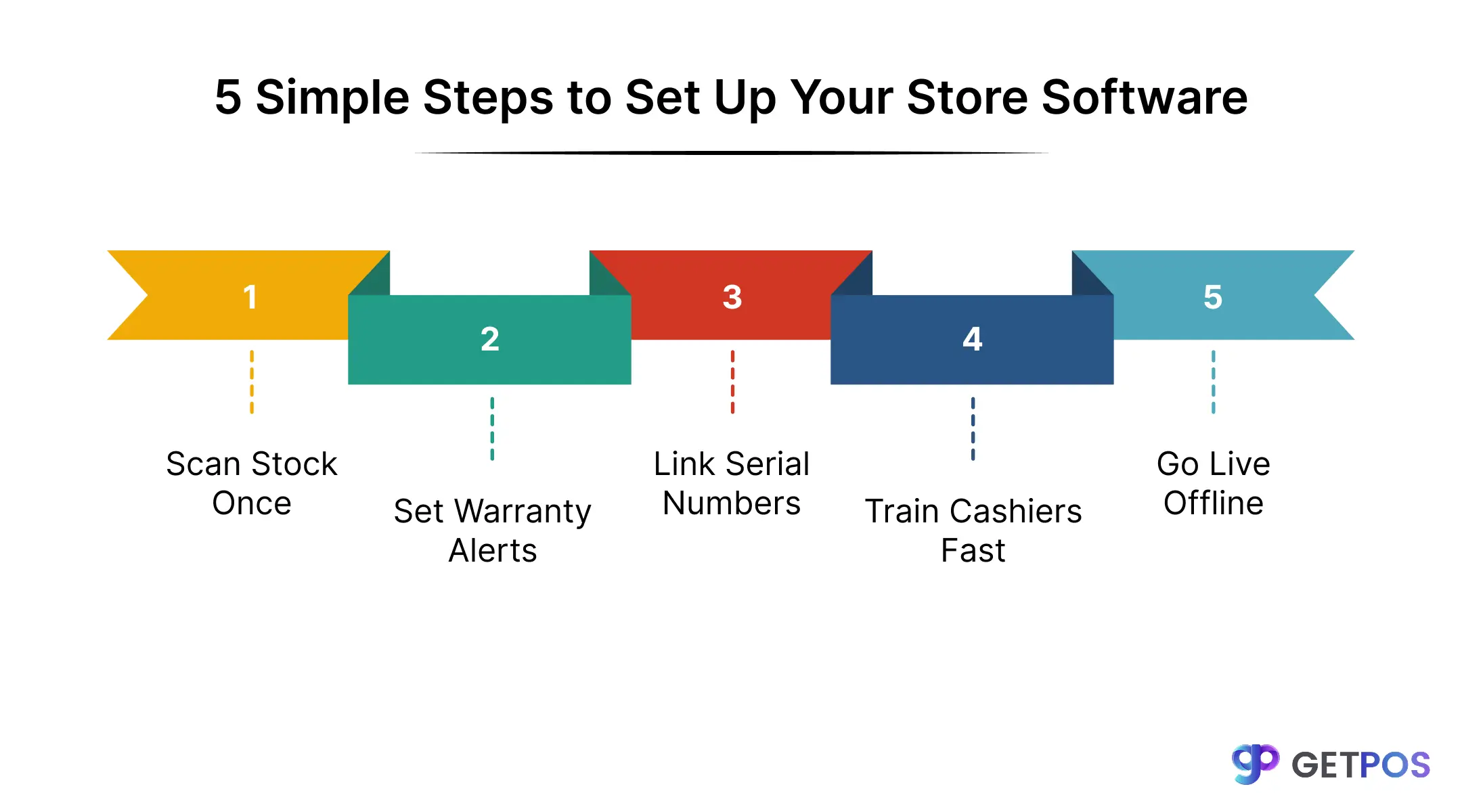
5 Simple Steps to Set Up Your Store Software
1. Scan barcodes, do not type numbers
Cashiers dislike typing long serial numbers during busy hours. Use a barcode scanner instead. A good electronics store management software lets you scan the product box and auto-fill the serial number in one second. This keeps your billing counter fast.
2. Enter serial numbers only once
When stock arrives at your store, scan and save all serial numbers at that time. Do not wait until the sale happens. Your electronics store POS software should store this data permanently. Then at checkout, you simply select the unit instead of re-entering the number.
This is why retailers are switching to modern POS systems.
3. Set automatic warranty alerts
Program your electronic point of sale to show a warning when a product's warranty is about to expire. This helps you call customers for service reminders or upsell extended warranty plans.
4. Track display models separately
Keep display units separate from new saleable stock in your system. If a customer wants to buy the display piece, your electronic POS billing software should record that specific serial number as sold from the display category.
5. Use one system for stores and online
When a customer buys online and returns in-store, your POS for electronic store must recognize that serial number across both channels. This prevents double sales and return fraud.
Conclusion
Choosing the right POS system for electronic store saves you from many daily problems. The best POS software for electronics stores gives you full control over every item you sell. For a smooth experience, try solutions from GETPOS. It is built specifically for stores like yours. GETPOS handles serial tracking and warranty management automatically, so your billing stays fast and your records stay accurate. Pick electronics store POS software that solves your real problems, not creates new ones.

Frequently Asked Questions
Yes, using a good software saves the serial number to the customer's invoice. You can later search by that number to find the purchase date and warranty status too.
The system stores warranty expiry dates for each serial number, and can show an alert when a product is still under warranty at return time.
You can create a repair job sheet linked to the product's serial number. Assign a technician and track the device until it is returned to the customer.